

wp:paragraph
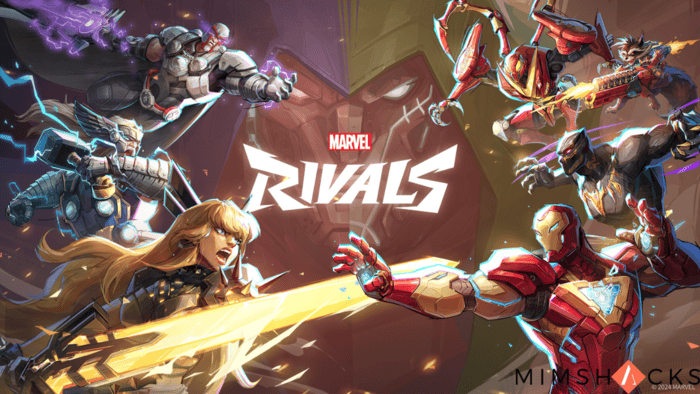
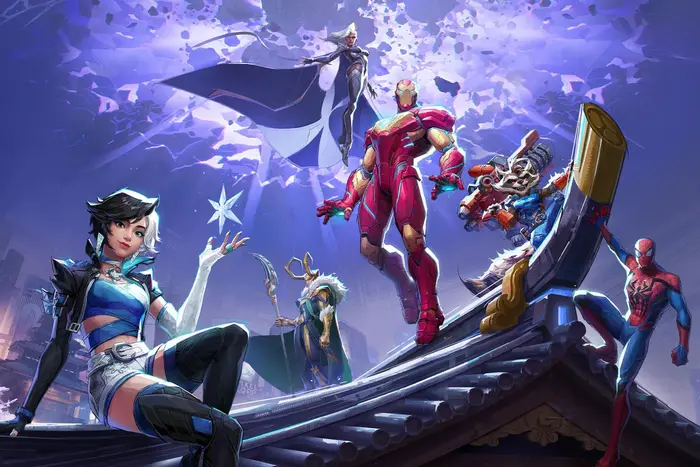
Marvel Rivals is an exciting online shooter where players take control of Marvel superheroes.
/wp:paragraph
wp:paragraph
One of its standout features is Team-Ups, allowing specific characters to combine abilities for powerful effects.
/wp:paragraph
wp:paragraph
Many players wonder whether crossplay and cross-progression are available in the game. Let’s go over the details.
/wp:paragraph
wp:image {“id”:24058,”width”:”680px”,”height”:”auto”,”sizeSlug”:”full”,”linkDestination”:”none”,”align”:”center”}
/wp:image
wp:heading
Does Marvel Rivals Support Cross-Platform Play?
/wp:heading
wp:paragraph
Yes, crossplay is available across PC, PlayStation 5, and Xbox Series X/S. However, its functionality differs depending on the game mode.
/wp:paragraph
wp:heading {“level”:4}
Ranked Mode Restrictions
/wp:heading
wp:paragraph
To maintain competitive fairness, crossplay is limited in ranked matches. Console players on PlayStation 5 and Xbox Series X/S can match with each other, but they will not compete against PC players.
/wp:paragraph
wp:paragraph
This restriction helps balance differences in controls and hardware capabilities.
/wp:paragraph
wp:heading
Is Cross-Progression Available?
/wp:heading
wp:paragraph
At this time, cross-progression is not supported. However, developers have confirmed they are actively working on adding it in the future.
/wp:paragraph
wp:image {“id”:24057,”width”:”638px”,”height”:”auto”,”sizeSlug”:”full”,”linkDestination”:”none”,”align”:”center”}
/wp:image
wp:heading {“level”:4}
Future Updates
/wp:heading
wp:paragraph
Many modern games allow players to share their progress across platforms. The Marvel Rivals team is aware of this demand and is working toward implementing it.
/wp:paragraph
wp:paragraph
Creative Director Guangyun “Guangguang” Chen stated in an interview with DotEsports:
/wp:paragraph
wp:paragraph
“Cross-progression involves a lot of platform-specific rules, we’re still looking at it and how to solve it.
/wp:paragraph
wp:paragraph
Once the team is ready, once we’ve figured it out, we’ll be sharing to everyone and players will be the first to know.”
/wp:paragraph
wp:paragraph
Fans are eagerly awaiting this update!
/wp:paragraph
wp:heading
Adjusting Crossplay Settings
/wp:heading
wp:paragraph
Crossplay can be turned on or off, depending on the platform. Here’s a breakdown:
/wp:paragraph
wp:table
| Platform | Crossplay Option |
| PC | Always enabled, cannot be turned off |
| PlayStation 5 & Xbox Series X/S | It can be toggled in the settings |
/wp:table
wp:heading {“level”:4}
How to Enable or Disable Crossplay on Consoles
/wp:heading
wp:paragraph
Follow these steps to change your crossplay settings on PlayStation 5 or Xbox Series X/S:
/wp:paragraph
wp:list {“ordered”:true}
- wp:list-item
- Open Marvel Rivals.
- Access the Settings menu.
- Go to the Social tab.
- Find the Cross-Platform option.
- Check the box to enable crossplay or uncheck it to disable it.
/wp:list-item
wp:list-item
/wp:list-item
wp:list-item
/wp:list-item
wp:list-item
/wp:list-item
wp:list-item
/wp:list-item
/wp:list
wp:heading
Summary of Crossplay and Cross-Progression Features
/wp:heading
wp:table
| Feature | Status |
| Crossplay | Supported on PC, PlayStation 5, and Xbox Series X/S for casual matches |
| Ranked Crossplay | Available between PlayStation 5 and Xbox Series X/S only |
| Cross-Progression | Not available yet, but in development |
| Crossplay Settings | Always enabled on PC, optional on PlayStation 5 and Xbox Series X/S |
/wp:table
wp:heading
Conclusion
/wp:heading
wp:paragraph
Marvel Rivals allows crossplay across all platforms in casual modes. However, in ranked matches, PlayStation 5 and Xbox Series X/S players can compete together, while PC users are kept separate.
/wp:paragraph
wp:paragraph
Cross-progression is currently unavailable, but the developers are working on implementing it.
/wp:paragraph
wp:paragraph
Console players can toggle crossplay on or off, while PC players must enable it.
/wp:paragraph
wp:paragraph
The addition of cross-progression in the future will make the game even more accessible for players across different platforms.
/wp:paragraph
