

Modern PC games demand serious graphical muscle, rapid processing power, and rock-solid network connections to deliver silky-smooth gameplay.
Dedicated gamers shell out top dollar for high-refresh monitors, snappy mechanical keyboards, and beastly graphics cards just to gain a competitive edge.
However, cluttered background services, sketchy performance boosters, and dodgy third-party utilities often wreck frame rates and trigger brutal input lag.
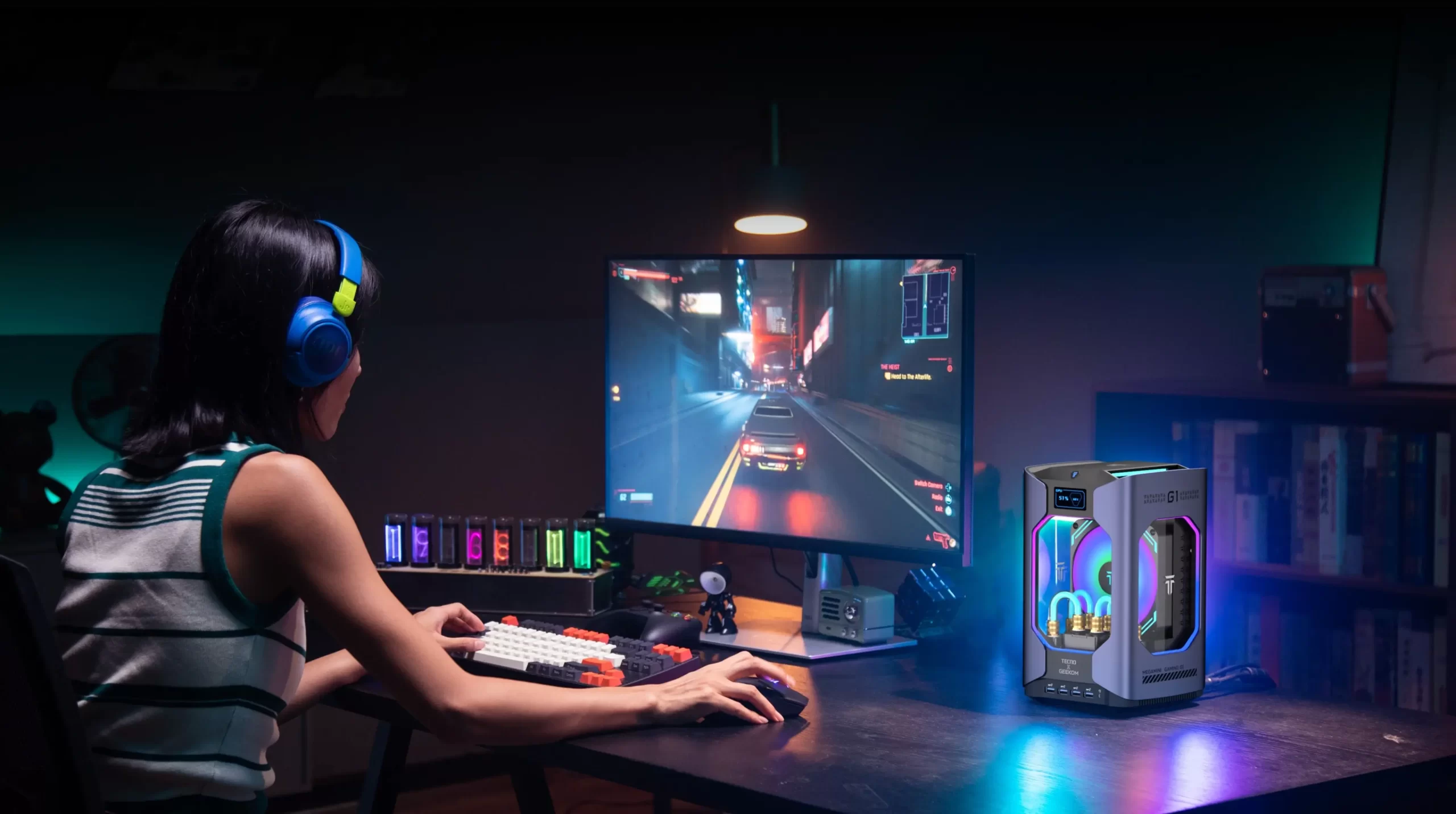
Unchecked system bloatware won’t just throttle your favourite titles—it also exposes your rig to proper security vulnerabilities.
Smart operating system habits combined with proper optimisation routines will keep your frame rates sky-high while keeping your gaming setup completely secure.
Encrypt your primary gaming credentials and separate personal communications
Competitive gamers frequently register accounts across countless storefronts, community forums, and modding hubs. Reusing the exact same password across every platform is a recipe for disaster if an insecure fan site suffers a breach.
Route your password resets, digital receipts, and launcher verifications through a privacy-focused email provider to keep your master keys properly encrypted.
When you isolate your main administrative messages from casual game-chat apps, malicious actors cannot easily hijack your prized cosmetic inventories or swipe your card details. Clean separation of your login channels protects your account even if an online forum leaks its user database.
Consult official cybersecurity benchmarks to harden your gaming computer
Properly locking down an open Windows workstation takes tested technical guidelines, not dodgy advice from random forum posters.
Check out official CISA advice on securing personal devices and home networks to learn proper techniques for patching OS flaws, tweaking local firewalls, and shutting down vulnerable network ports.
Solid cyber hygiene helps gamers cull useless background services that secretly leech processor cycles away from graphics rendering. Basic system maintenance keeps your rig lean, fends off automated exploit attempts, and guarantees stable thermals when you are neck-deep in intense matches.
Eliminate telemetry bloatware and audit third-party optimisation software
Plenty of players get duped into downloading questionable freeware that promises magical FPS boosts or automated RAM flushes.
Unfortunately, many of these dodgy apps secretly pack aggressive telemetry, invasive adware, or stealthy crypto miners that roast your CPU.
Browse through essential digital spaces and platforms to explore during downtime to discover safe web hubs, creative gaming outlets, and trusted communities without downloading dodgy executables.
Sticking to vetted resources stops players from running risky third-party scripts that corrupt the Windows registry or trigger unwanted anti-cheat bans.
Restrict background startup tasks and activate multi-factor authentication
Windows startup lists quickly turn into a cluttered mess of auto-launching apps, ranging from RGB lighting suites to redundant store launchers. Trim unnecessary startup programs inside Windows Task Manager to free up gigabytes of memory and slash CPU overhead before loading into a game.
Turn on multi-factor authentication across every digital store client to block unauthorised logins even if someone snags your password via a sneaky phishing attempt.
You eliminate the danger of credential reuse across competitive platforms when you store unique passphrases in a trusted password manager.
Proactive maintenance routines ensure your PC delivers top-tier hardware performance without putting your digital safety at risk.
Secure your main account communications, follow recognized safety standards, bin dodgy booster software, and streamline startup apps to keep your rig fast and secure.
These smart habits safeguard your expensive hardware investment, leaving you free to focus on grinding the leaderboards with silky-smooth frame rates.
