

wp:paragraph
Call of Duty: Warzone has revolutionized the gaming industry with its intense battles and expansive maps. A key aspect of its success lies in its accessibility to players on various devices.
/wp:paragraph
wp:paragraph
This feature has sparked curiosity among gamers, especially those eager to team up or compete with friends using different systems.
/wp:paragraph
wp:paragraph
Whether you’re a seasoned player or new to the battlefield, understanding how platforms connect in Warzone can enhance your experience.
/wp:paragraph
wp:image {“id”:23852,”width”:”668px”,”height”:”auto”,”sizeSlug”:”full”,”linkDestination”:”none”,”align”:”center”}

/wp:image
wp:heading
Is Call of Duty Warzone Cross-Platform?
/wp:heading
wp:paragraph
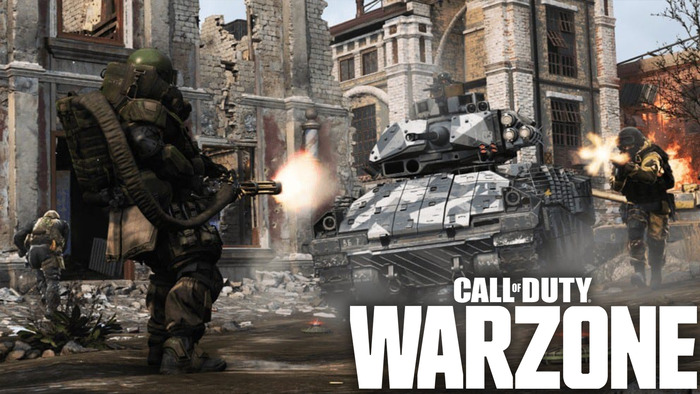
Yes, Call of Duty: Warzone supports cross-platform play. PC, PS4, and Xbox One players can join matches, ensuring a seamless device experience.
/wp:paragraph
wp:paragraph
Crossplay is enabled by default, so you don’t need to make any adjustments to play with friends on other platforms.
/wp:paragraph
wp:paragraph
During matches, you can see the platform and input method (keyboard or controller) used by other players.
/wp:paragraph
wp:heading
How to Connect with Friends Across Platforms?
/wp:heading
wp:image {“id”:23853,”width”:”662px”,”height”:”auto”,”sizeSlug”:”full”,”linkDestination”:”none”,”align”:”center”}
/wp:image
wp:paragraph
You’ll need an Activision account to play with friends on different platforms. If you don’t already have one, the game will prompt you to create an account when you launch it.
/wp:paragraph
wp:paragraph
This account links to your platform-specific ID (like your PSN ID for PS4 players).
/wp:paragraph
wp:paragraph
Follow these steps to add friends:
/wp:paragraph
wp:list
- wp:list-item
- Go to the social menu in the upper-right corner of the main screen.
/wp:list-item
/wp:list
wp:paragraph
/wp:paragraph
wp:list
- wp:list-item
- Look for the “Add Friends” option in the upper-left corner of the social menu.
/wp:list-item
/wp:list
wp:paragraph
/wp:paragraph
wp:list
- wp:list-item
- Enter your friend’s Activision ID. Make sure to include the random string of numbers assigned after their username.
/wp:list-item
/wp:list
wp:paragraph
Once you’ve added your friends, you can join their games, create a party, or set up a private chat. The process is straightforward, with the Activision ID as the key connection tool.
/wp:paragraph
wp:heading
Turning Off Cross-Platform Play
/wp:heading
wp:image {“id”:23851,”width”:”664px”,”height”:”auto”,”sizeSlug”:”full”,”linkDestination”:”none”,”align”:”center”}
/wp:image
wp:paragraph
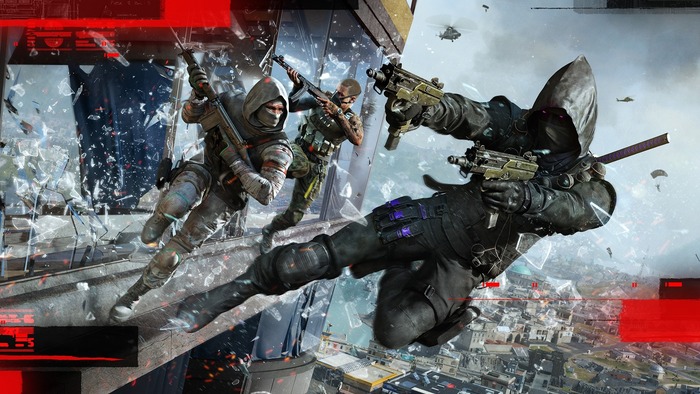
You can disable crossplay if you’d like to restrict matches to players on the same platform. To do this:
/wp:paragraph
wp:list {“ordered”:true}
- wp:list-item
- Go to the options menu.
- Go to the “Account” tab.
- Toggle the crossplay setting to “off.”
/wp:list-item
wp:list-item
/wp:list-item
wp:list-item
/wp:list-item
/wp:list
wp:paragraph
In this menu, you can adjust text and voice chat settings for players on other platforms.
/wp:paragraph
