

Today, the ability to communicate with peers is often as important as the gameplay itself. However, a poorly designed chat system can be a player’s worst nightmare, obscuring vital information, causing cognitive overload, or shattering immersion.
The challenge lies in creating a space that feels alive and social without turning the screen into a chaotic mess of scrolling text and toxic noise.
Designing these systems requires more than just a text box; it demands a deep understanding of spatial hierarchy and player psychology. When done correctly, the chat becomes a seamless layer of the experience rather than a distraction.
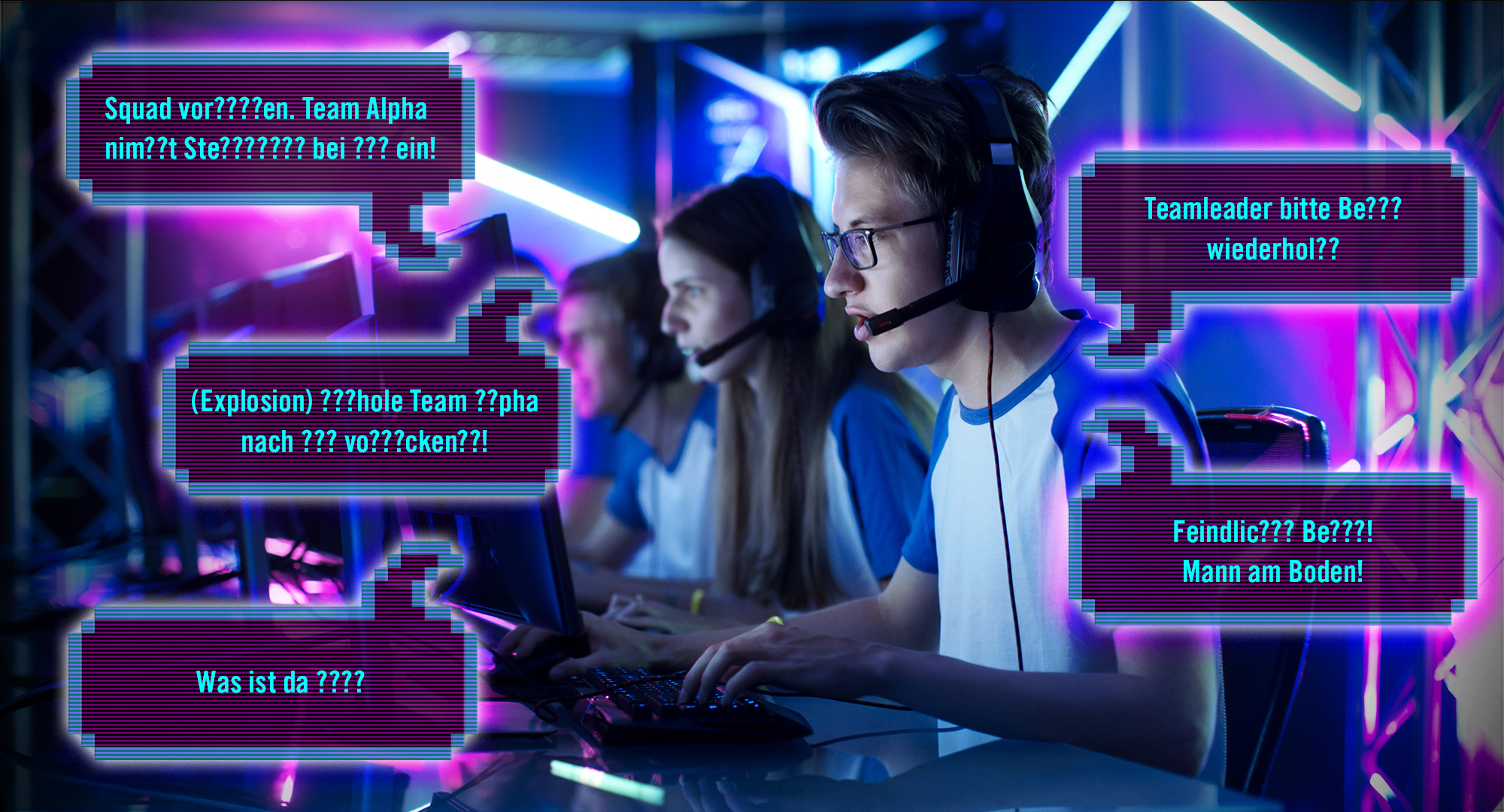
The UI Paradox of Social Interaction
Every pixel on a gaming screen is valuable real-time estate. Developers face a paradox: players demand deep social connectivity, yet they also demand a clean, cinematic view of the action.
When a chat interface is too intrusive, it creates “visual noise,” which can lead to player fatigue or even mechanical errors in fast-paced environments.
Effective design often begins with the concept of “contextual visibility.” A chat shouldn’t always be there; it should exist only when the player needs it or when a relevant social event occurs.
By utilizing fading text and collapsible windows, designers can keep the focus on the primary gameplay while keeping the community just a keystroke away.
Fostering Community in Real-Time Environments
A chat interface is more than a technical tool; it is a social moderator. The design can actively discourage toxicity and encourage positive behavior through its very structure.
Features like “Quick Chat” wheels or emoji reactions allow for fast, positive reinforcement without the need for typing, which is particularly useful for console players.
In highly interactive ecosystems, such as professional gaming hubs or dedicated entertainment sites, the chat acts as the heartbeat of the site.
For example, platforms like slotoro bet emphasize the importance of a clean, responsive environment where players can share experiences or celebrate wins without the interface feeling clunky or dated.
This level of polish is what separates professional-grade social tools from amateur overlays; it’s about providing a sense of “togetherness” that feels as premium as the games themselves.
Innovative Solutions for Streamlined Communication
Modern game design has moved toward “diegetic” or “semi-diegetic” interfaces. This means the chat is designed to feel like part of the world’s technology.
For instance, in sci-fi titles, the chat might appear as a holographic projection from the player’s wrist. Beyond aesthetics, the technical behavior of the chat window is what defines its success.
To understand the different approaches, we can examine how various genres handle the influx of data. Each style serves a specific purpose depending on the intensity of the gameplay.
| Chat style | Best use case | UX advantage | Potential drawback |
| Floating overlay | Fast-paced FPS/Action | Keeps eyes near the center of the screen. | Can obscure enemy movement. |
| Dedicated sidebar | Strategy / MMO / Hubs | Allows for deep, multi-channel threads. | Reduces the active gameplay window size. |
| Minimized iconography | Mobile / Competitive | Maximizes screen space; uses pings. | Limits nuanced social interaction. |
| Smart fading | General Adventure / RPG | Disappears during combat or cutscenes. | Can cause players to miss messages. |
The takeaway from these styles is that one size never fits all. The most successful implementations are those that offer the user high levels of customization, allowing them to dictate the opacity, font size, and even the location of the window.
Best Practices for Non-Intrusive Chat Systems
Achieving a professional-looking chat system requires a checklist of functional and aesthetic features. If any of these are missing, the user experience begins to degrade, often leading to players turning the feature off entirely—which kills the community aspect.
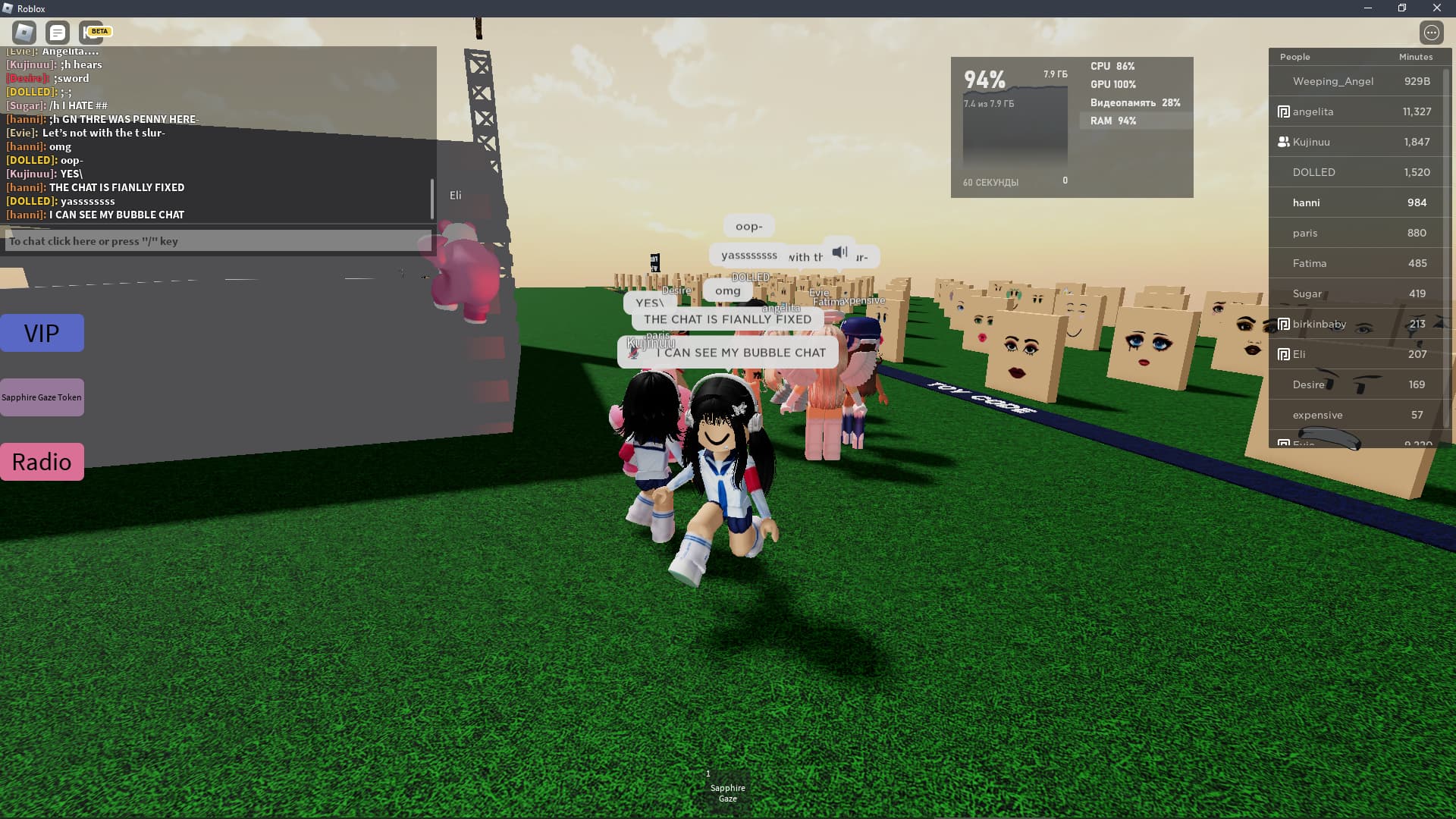
To ensure a high-quality social layer, designers should focus on the following:
- Dynamic opacity. The chat background should become more transparent when the player is moving or in combat, and more solid when they are typing.
- Keyword highlighting. Allowing users to highlight their names or specific keywords ensures they never miss vital information in a fast-scrolling window.
- Integrated reporting tools. Moderation should be built directly into the chat flow, allowing users to mute or report disruptive behavior with a single click.
- Channel partitioning. Separate tabs for “Global,” “Party,” and “System” messages prevent the primary social feed from being drowned out by technical logs.
When these elements work in harmony, the chat transitions from being a “tool on top of the game” to a fundamental part of the player’s journey.
Accessibility and the Future of Social UI
As we look toward the future, accessibility is becoming the new frontier for chat design. Text-to-speech and speech-to-text integrations are no longer optional “extras”; they are essential for creating an inclusive community.
Furthermore, AI-driven moderation is starting to filter out toxic language in real-time before it even reaches the recipient’s screen, creating a safer environment for everyone.
We are also seeing a shift toward “cross-platform” social identities. A player might start a conversation on a mobile app and continue it seamlessly within a high-end desktop environment. This requires a unified design language that translates well across various screen sizes and input methods.
